

Mastering Google Ads: A Beginner's Roadmap (2026 Guide)
A clear, no-fluff roadmap that shows you what to learn first, what to ignore, and how to launch your first profitable Google Ads campaign without burning your budget.
Why Learn Google Ads in 2026?
If you can run profitable Google Ads, you never stay out of work. It's one of the few skills that directly prints money for businesses: more leads, more calls, more sales.
You do not need to learn everything in Google Ads. You need the 20% that controls 80% of performance. That is what this roadmap focuses on.
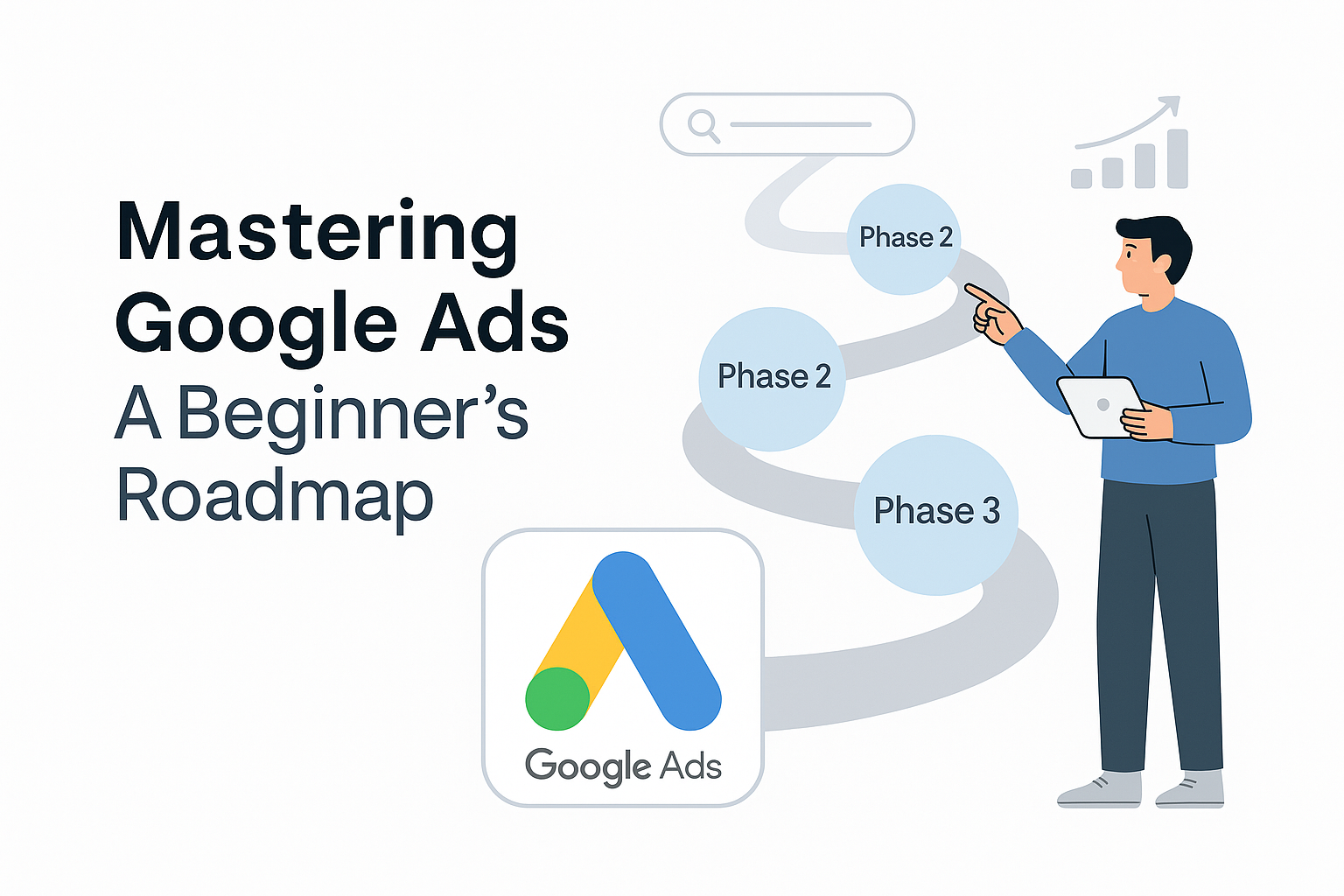
The Beginner Roadmap (5 Phases)
Phase 1: Learn the language – metrics, auction, campaign types.
Phase 2: Set up account, structure, and a simple tracking stack.
Phase 3: Build & launch your first Search campaign (single offer).
Phase 4: Read data, fix leaks, and run weekly optimization loops.
Phase 5: Add PMax/remarketing, test new offers, and scale.
Phase 1 Foundations: Learn the Language of Google Ads
Before touching buttons, you need to understand the words Google Ads uses. These are the metrics you will live with as a media buyer.
Key concepts to understand
- Impressions – how often your ad is shown.
- Clicks – how often someone clicked the ad.
- CTR – Clicks ÷ Impressions (how attractive your ad is).
- CPC – Cost per Click.
- Conversions – valuable actions (lead, purchase, call).
- CPA / CPL – Cost per Acquisition / Lead.
- Quality Score – Google's relevance score (ad + keyword + landing page).
Simple KPI snapshot example
| Metric | Good for Beginner |
|---|---|
| CTR (Search) | 4–8%+ |
| Conv. Rate (Lead Gen) | 5–15%+ |
| CPC | Depends on niche – watch trend, not just value. |
| CPL | Compare to client's target, not a global "good" number. |
Phase 2 Account Setup & Structure
Most beginners lose the game before launching, because their structure is chaos. You want a clean, simple skeleton:
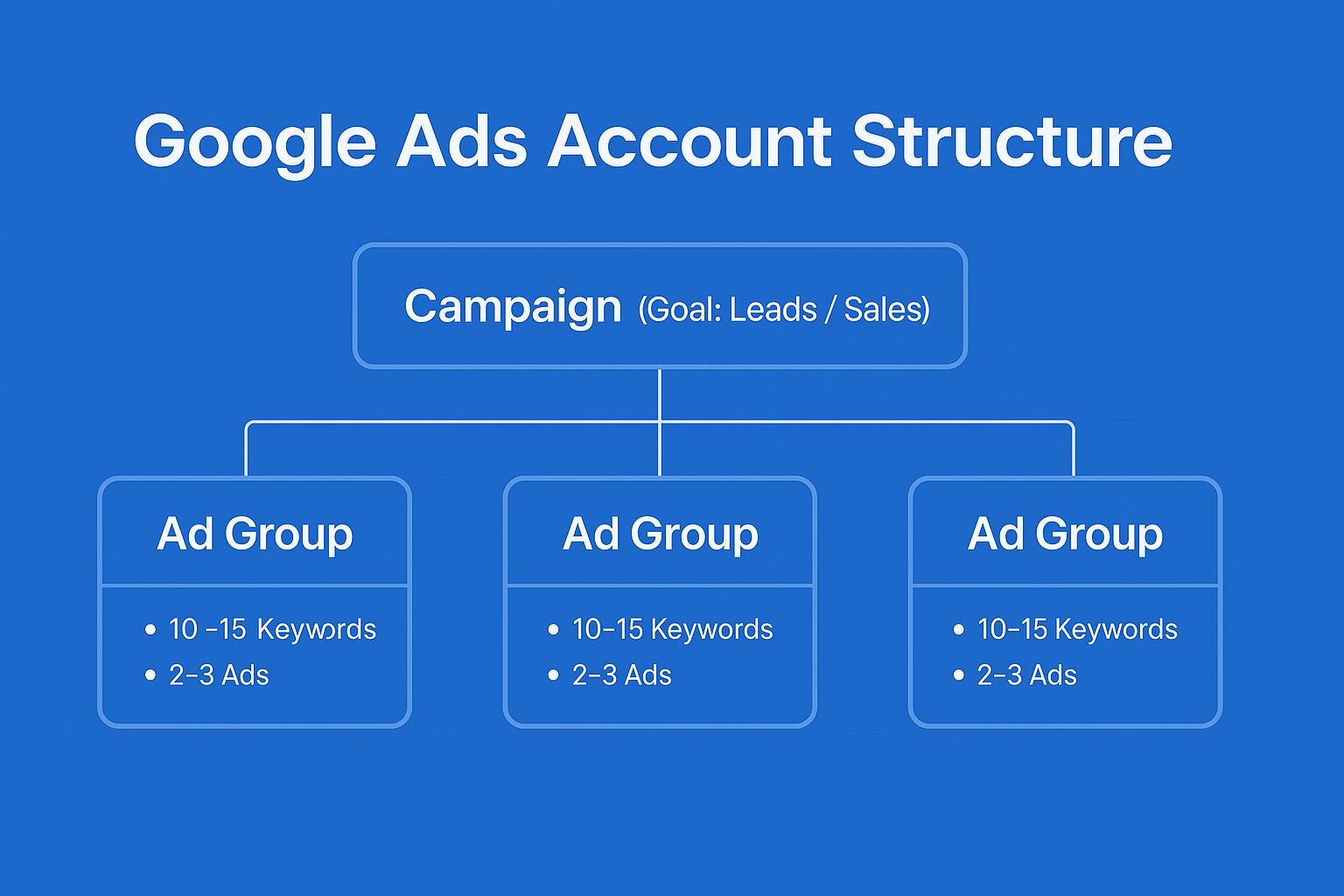
Basic structure for a beginner
- 1 account → 1 business / domain.
- 1 campaign → 1 main objective (e.g., "Leads – City A").
- 2–3 ad groups → each tightly themed around a small keyword set.
- 2–3 ads per ad group → testing angles, not random lines.
Do not start with 7 campaigns and 50 ad groups. Start with one clean machine you actually understand.
Essential settings for beginners
- Location: target areas where the business can actually serve.
- Language: usually the same as the website language.
- Networks: for your first Search campaign, uncheck Display Network.
- Bidding: start with a simple goal (e.g., "Maximize conversions" with a small test budget).
Phase 3 Build Your First Search Campaign
Your first goal is not perfection. It is launch → learn → improve.
Step-by-step (simplified)
- Pick ONE offer (e.g., "Free consultation", "Flight booking service", "Solar roof assessment").
- Choose 5–15 high-intent keywords around that offer.
- Group them into 2–3 ad groups by theme.
- Write 2–3 Responsive Search Ads per ad group.
- Link the right landing page (not the generic homepage).
- Set a daily budget you are comfortable losing while learning.
- Double-check settings → Launch.
Phase 4 Tracking & Weekly Optimization
Launching is 30% of the work. The other 70% is learning from the data.
Minimum tracking setup
- GA4 properly linked to Google Ads.
- At least one primary conversion:
- Lead form submitted
- Phone call (using call tracking or Google forwarding)
- Purchase (for e-commerce)
- Test a form and a call yourself – make sure conversions fire.
Weekly optimization checklist
- Check Search Terms → add negatives for irrelevant queries.
- Identify keywords with many clicks but 0 conversions → lower bids or pause.
- Compare ads → keep best CTR/Conversion Rate; test new variations.
- Review locations, devices, and times → cut what clearly wastes money.
Phase 5 Scaling & Next Steps (After You're Stable)
Once you are comfortable with Search and have steady conversions, you can start unlocking more of the platform.
What to add next
- Performance Max for incremental volume (once tracking is solid).
- Remarketing to bring back site visitors and form starters.
- More offers (e.g., different services, locations, or packages).
- Better dashboards (Looker Studio) so you see everything in one view.
Beginner Mistakes to Avoid
- Starting with too many campaigns and no clear structure.
- Letting Google auto-create broad, messy keyword lists.
- Sending all traffic to a slow, generic homepage.
- Judging success only on clicks, not leads or sales.
- Making big changes every day instead of weekly, data-driven edits.
Want a Google Ads expert to build this roadmap for you?
AdShot Media is a Google-Partner agency focused on ROI, not vanity metrics. We set up, manage, and scale campaigns with transparent dashboards.
FAQs
How long does it take to see results as a beginner?
Usually 2–4 weeks to collect enough data, and 1–3 months to feel confident, depending on your budget, niche, and how aggressively you test.
Do I need a big budget to start learning?
No. You need a budget big enough to generate data. Even $10–$30/day per campaign can be enough for learning if your niche is not extremely expensive.
Is Google Ads still worth learning with all the automation?
100%. Automation does not remove the need for strategy. It makes good strategists more powerful and makes bad setups fail faster.